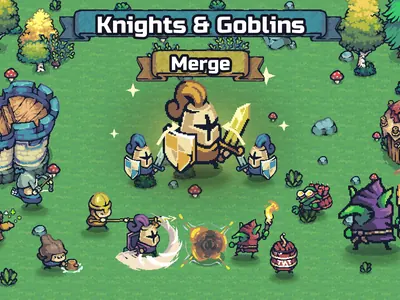
Knights & Goblins: Merge
Kingdoms & battlesHow to play
Merge knights and send them into auto-battles
- Mouse
- Space
- Drag
- Touch
Knights & Goblins: Merge is a tidy auto-battler.
- Buy a unit from the cards at the bottom of the screen.
- Drag a knight onto an identical one to merge them into a stronger knight, up to level 10.
- Place melee units in front and archers or healers behind, then press Fight.
Controls
- Phone: tap a card to buy a unit and drag one knight onto a matching one to merge.
- Desktop: drag with the mouse. Keys 1 to 5 buy units, Space or Enter starts the fight, S changes speed and P pauses.
Tips
- Keep melee in the front row so your archers are not the first to be hit.
- Merging early is usually better than filling the grid with weak units.
About this game
Knights & Goblins: Merge is made by the studio credited on Playgama and provided by Playgama. Free to play, no download and no account. Best in landscape or full screen.
Game by the studio listed on Playgama. Provided by Playgama.